
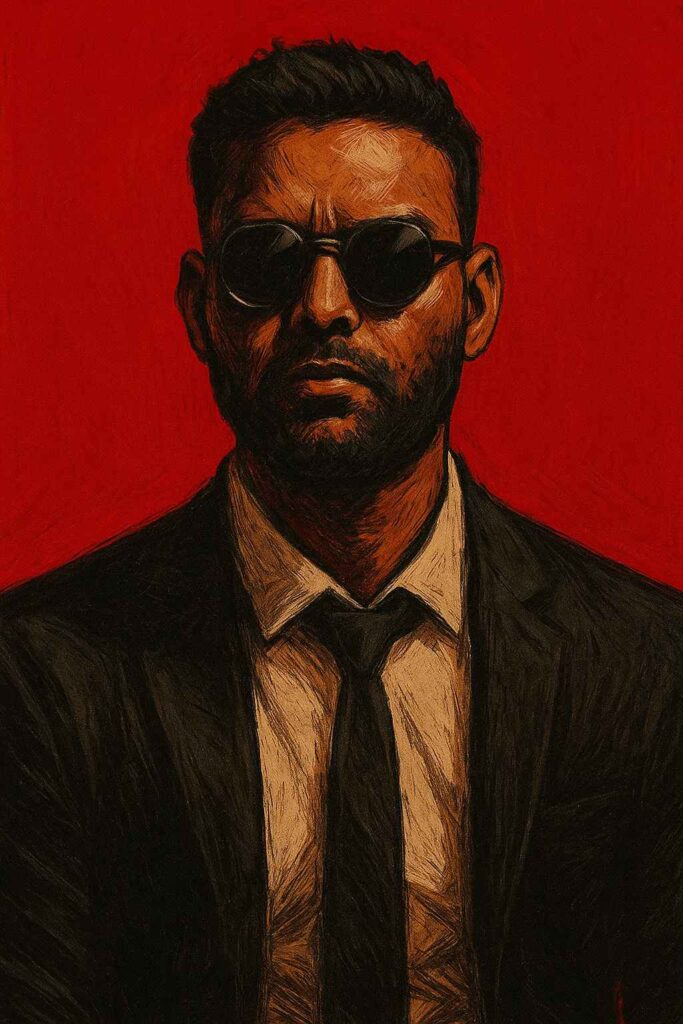
Learn how to convert your photo into a dramatic graphic novel style digital painting with bold shadows, harsh lighting, and cinematic red backgrounds. Perfect for artists, designers, and AI art lovers.
In recent years, graphic novel style digital portraits have become extremely popular. From movie posters to personal branding, this bold and cinematic art style delivers a powerful, intense, and confident visual impact. In this article, we’ll explore how a simple photograph can be transformed into a dramatic graphic novel character portrait using stylized realism and a minimal color palette.
Copy this prompt given below and paste in Google Gimini or Chatgpt with your photo
Convert my photo into a digital painting in the style of dramatic, graphic novel character portrait. Visual style: harsh lighting and bold shadows strong brushstroke texture and rough sketch lines deep red background with no texture. Stylized realism: clean edges but painterly textures. Mood: serious, powerful, intense. Character design: wearing a black suit, white shirt, and black tie wearing round, dark sunglasses confident, stoic expression with a slightly tilted head hair style back or naturally flowing as in the original image. Rendering instructions: Emphasize facial structure with dramatic shadows keep the color palette minimal: mostly red, black, and skin tones. Background must remain solid blood red with no detail. Make the portrait tightly cropped from chest to top of the head
Visual Style Breakdown
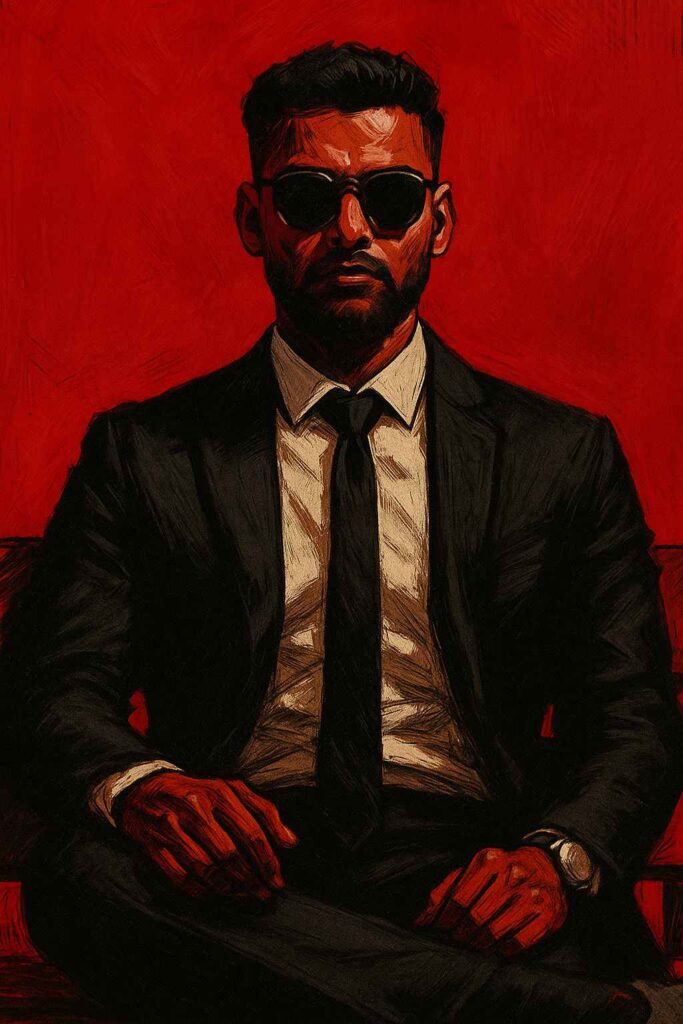
Key features include:
- Harsh lighting and bold shadows
- Strong brushstroke texture
- Clean edges with painterly depth
- Minimal color palette
- Cinematic mood and compositi
The palette is intentionally limited:
- Blood red background
- Black suit and tie
- Natural skin tones
